Your image.A bigger canvas.
Turn an image into wall-sized art, one sheet at a time. Made for the printer and paper you already have.
Find a print worth making
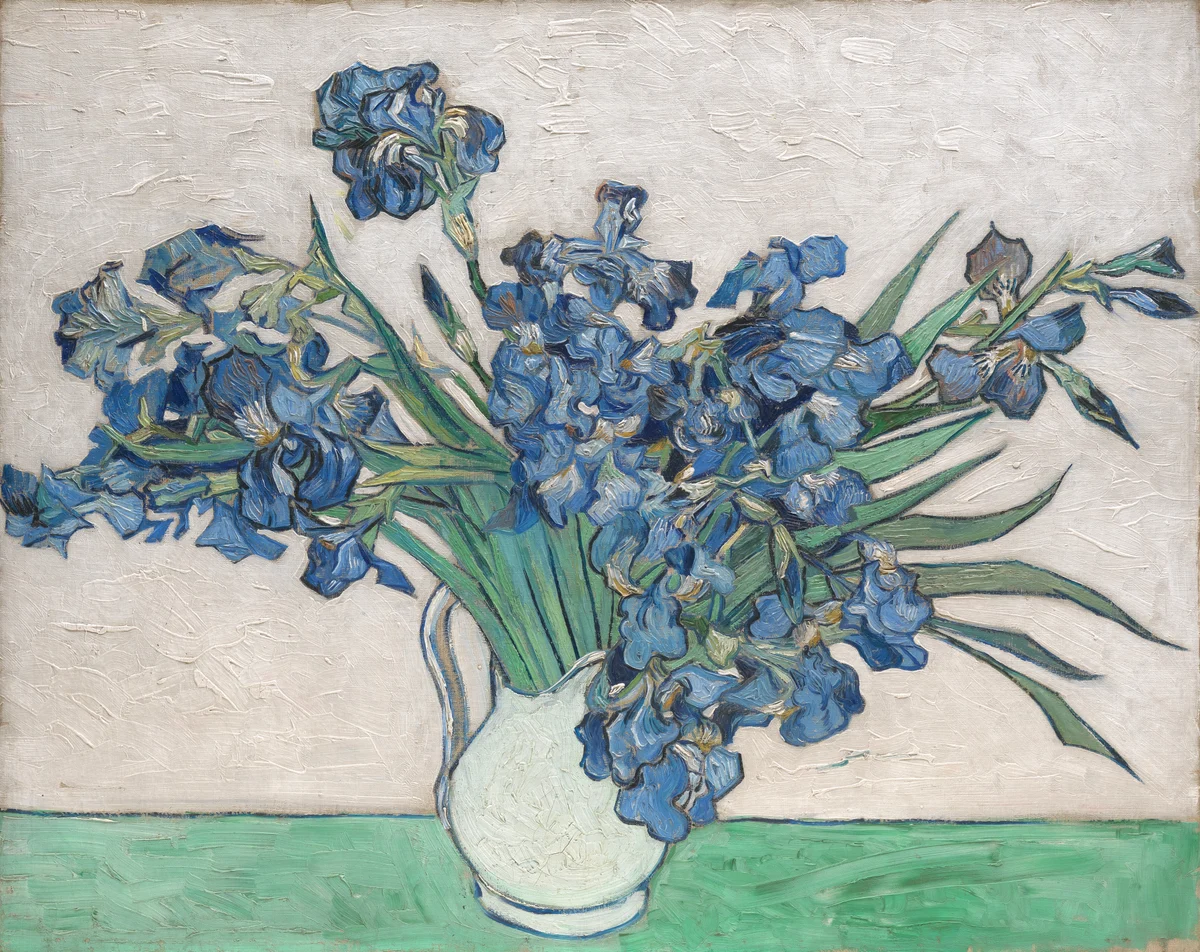
Irises
54.9 × 43.5 cm·Vincent van Gogh
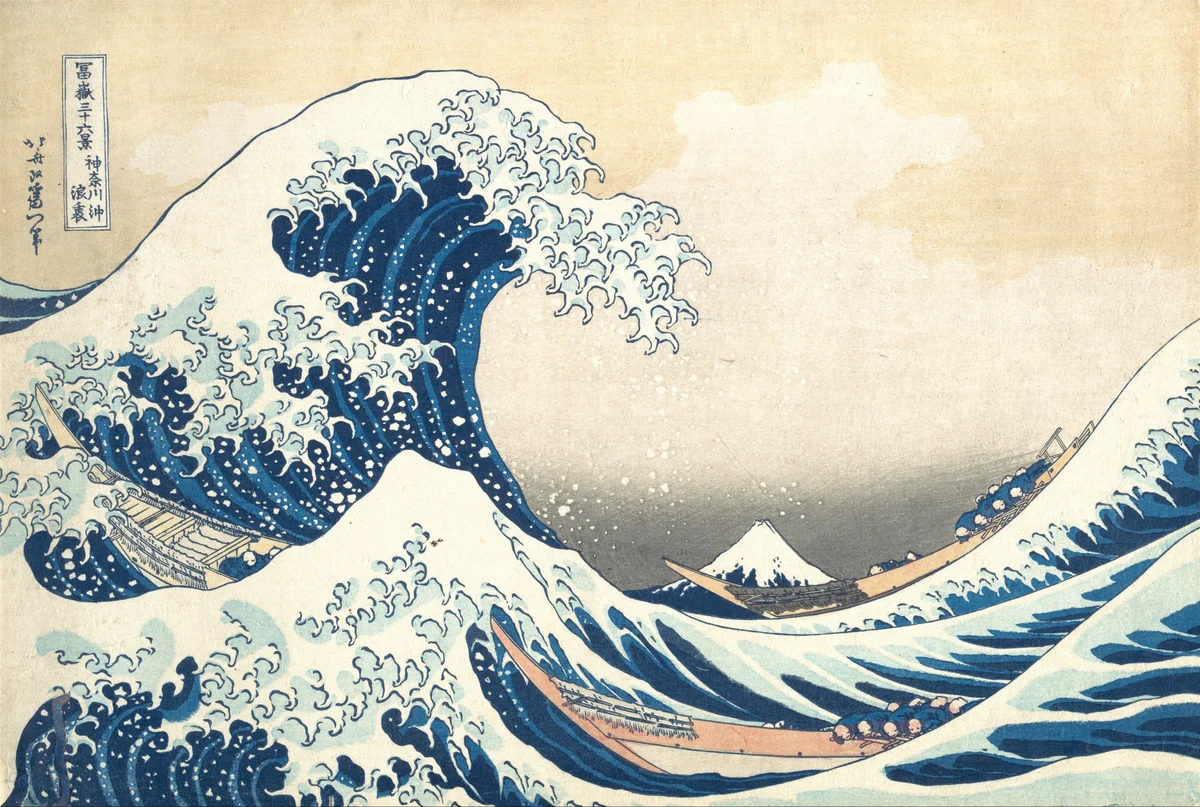
The Great Wave off Kanagawa
54.9 × 36.9 cm·Katsushika Hokusai
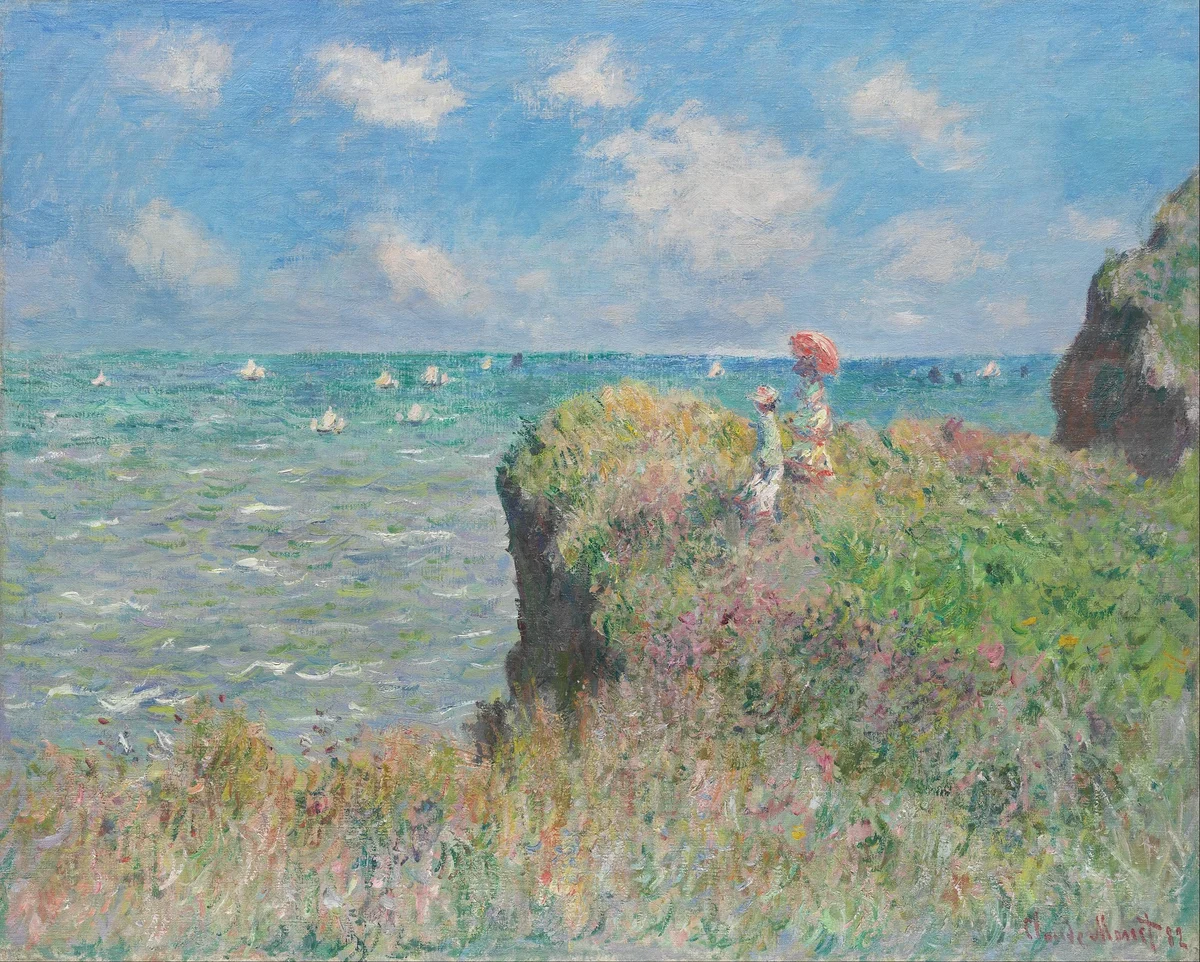
Cliff Walk at Pourville
50.0 × 40.1 cm·Claude Monet
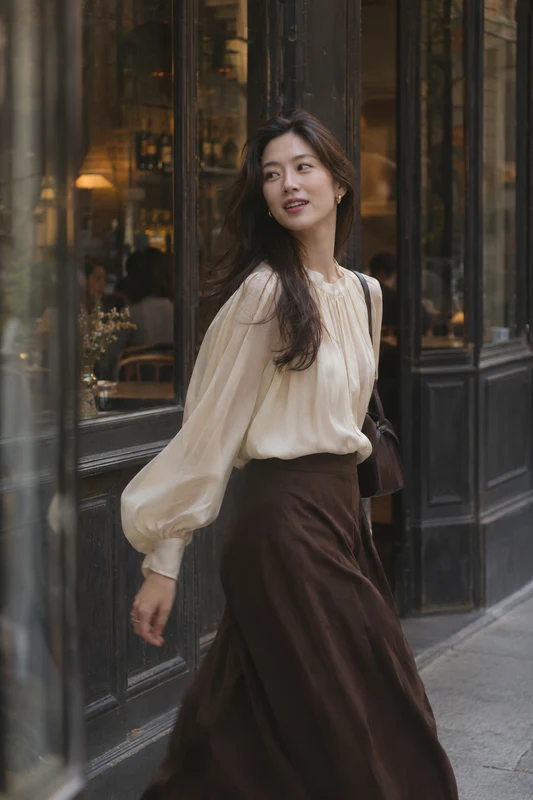
Café Afternoon
18.3 × 27.5 cm·AI-generated artwork

Tea by the Window
18.3 × 27.5 cm·AI-generated artwork
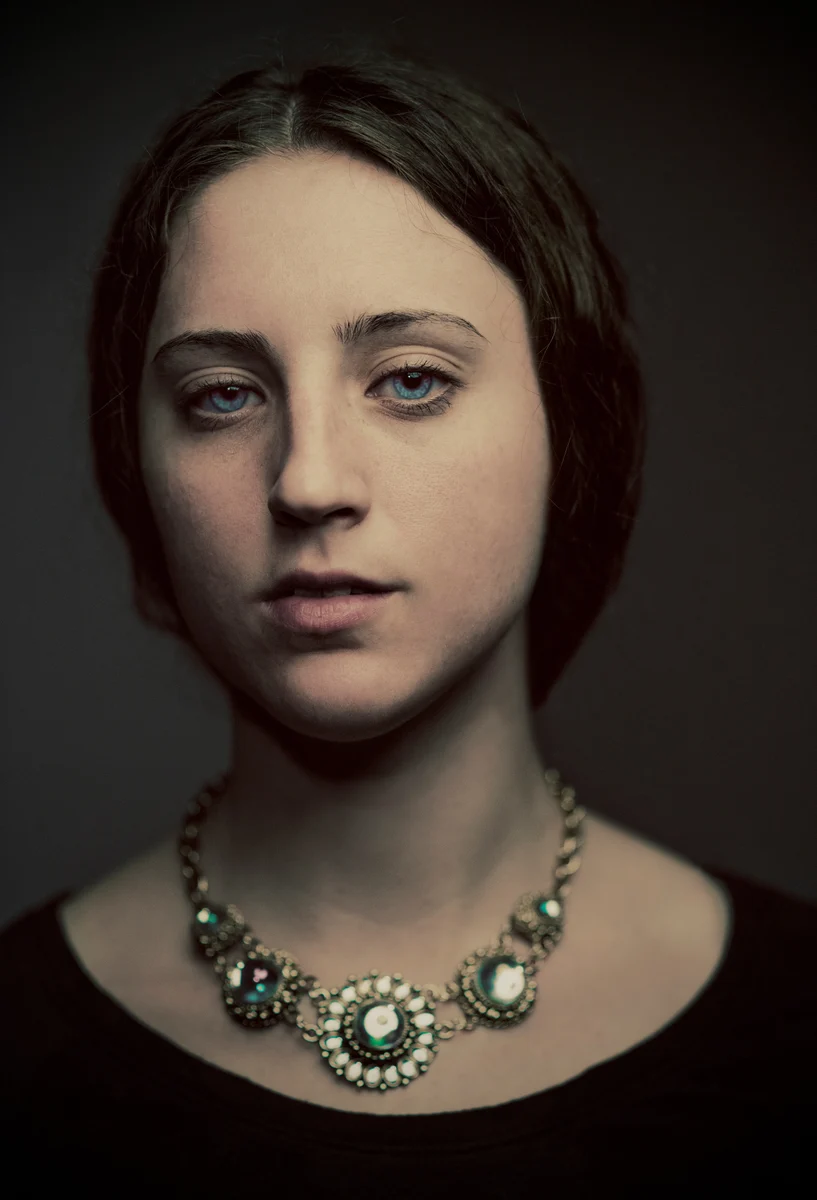
Painting — portrait
36.6 × 53.8 cm·Luke Braswell
Paintings use public-domain images; photographs have historical CC0 records. The collection also includes creator-authorized AI-generated artwork. See each artwork page for its source and the print preview for the actual page layout.
How to make a poster
A simple route from your favorite image to a wall of your own.
Bring your image
Start with a photo or illustration. Try a sample if you are just exploring.
Make it your size
Choose your paper, set the finished dimensions, and preview the pieces.
Print. Trim. Put it together.
Save the PDF, print at 100%, and follow the page labels as you assemble.
Frequently asked questions
A little clarity before the first sheet comes out of the printer.
Can I make a poster on this page yet?
Upload an image or PDF, choose paper, size and effects, preview, and export a tiled PDF. Local tools need no account.
Will I need a special printer?
An ordinary A4 or US Letter printer works. Leave safe margins and print at Actual Size / 100%.
Can I choose the exact finished size?
Enter either dimension and the other follows the image ratio. Keep entered size preserves those dimensions; Save paper reduces them proportionally.
Will my image be uploaded?
The local workspace processes files in your browser. Files reach our server only when you explicitly consent to a cloud job.
What is the difference between original and dots?
Original mode keeps the image; halftone rebuilds tones with differently sized dots. Both export PDF. Dots do not recover lost image detail.
How will the printed sheets fit together?
Arrange pages by their labels, trim and align the repeated image strips before joining. Yellow highlights are preview-only. Test one or two sheets first; physical assembly accuracy has not yet been verified.